


 Direct purchase from the factory

![[US DIRECT] ATOMSTACK A5 M50 APP Control Dual-Laser Laser Engraving Cutting Machine Laser Engraver Cutter 5.5W Output Power Fixed-Focus 304 Mirror Stainless Steel Engraving DIY Laser Marking for Metal Wood Leather Vinyl](https://static.roymall.com/d/file/mall/titlepic/235/67803406-41f3-499a-afb7-154990584ff8.jpg?x-oss-process=image/resize,w_237/quality,Q_80/format,webp)


![[EU/US Direct]Raiser for LONGER RAY5 Engraver](https://static.roymall.com/d/file/mall/bigpic/235/65e9b76d-574a-4b4b-9c6c-02db18b89460.jpg?x-oss-process=image/resize,w_237/quality,Q_80/format,webp)
![[US/UK Direct] Refurbished ULTIMEA Nova S70 3.1.2 Soundbar 390W True Dolby Atmos Soundbar BassMax 4K Dolby Vision HDR Passthrough 3EQ Modes Wired Speaker Subwoofer](https://static.roymall.com/d/file/mall/titlepic/235/e1440062-c78c-4565-8aa7-f8857d749771.jpg?x-oss-process=image/resize,w_237/quality,Q_80/format,webp)


1.You can contact the customer service. for any question regarding the product.
2.Ask the question in English to get answer faster.
3.Keep your question short and to the point.
Questions:0/2000


 Multi Rotor PartsFPV SystemRadios & ReceiverBattery & ChargerTools & Bags & StorageConnector & Cable & WireRC ServosElectronic Learning ToysPlane & Parachute ToysSolar Powered ToysPottery Clay & ToolsPaper Art & DrawingBlocks & Track ToysModel BuildingDiecasts & Model ToysProtective GearsMotorcycle LightsCharger & Socket AdapterMotorcycle Engines & ComponentMotorcycle HelmetMotorcycle DIY KitsMotorcycle AccessoriesMotorcycle Alarm & SecurityCar Stickers & DecalsCar CoversWindow FoilsCar Protective FilmCar Protective Film Body ArmorLicense Plate AccessoriesDIY Electronic KitsElectronic Accessories & SuppliesModule ComponentsBoard & ShieldExpansion Board & ShieldSmart ModuleSensor & Detector ModulePower Supply ModuleRaspberry Pi & Orange PiSecurity Alarm SystemSmart Remote ControlWeather Station & ThermometerAccess Control & IntercomsHome Automatic KitsAutomation ModulesClocksHome Decor StickerDecorative PaintingDecorative CraftsStorage BagsStorage BoxesItems Storage & OrganizationSeedsWatering & IrrigationGarden LightsPest Control ProductsBathroom ApplianceShowerhead & AccessoriesBathroom Storage & OrganisationBathroom SafetyDoor Hardware & LocksIndustrial HardwareDecorative HardwarePackaging & ShippingStorage & OrganizationFurniture HardwareKitchen Tools & GadgetsDrinkware & Tea SetsBakeware & AccessoriesHome Brewing & Wine MakingKitchen Knife & CutleryBarbecue & Picnic SuppliesDinnerware & FlatwareXiaomi Kitchen Appliance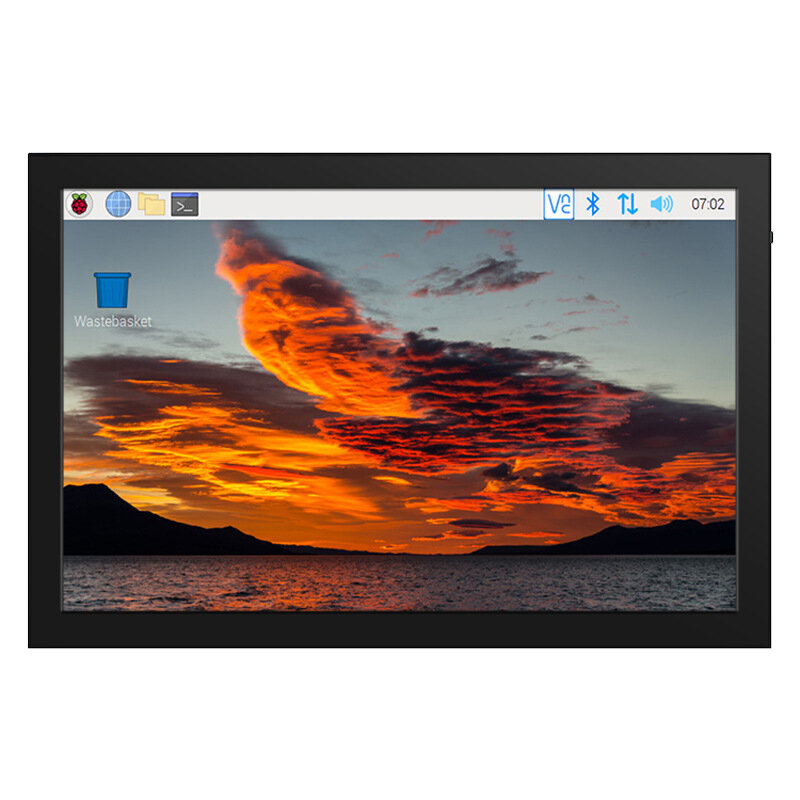
安全なチェックアウト
 無料ギフト
無料ギフト
 配送ポリシー
 返品ポリシー
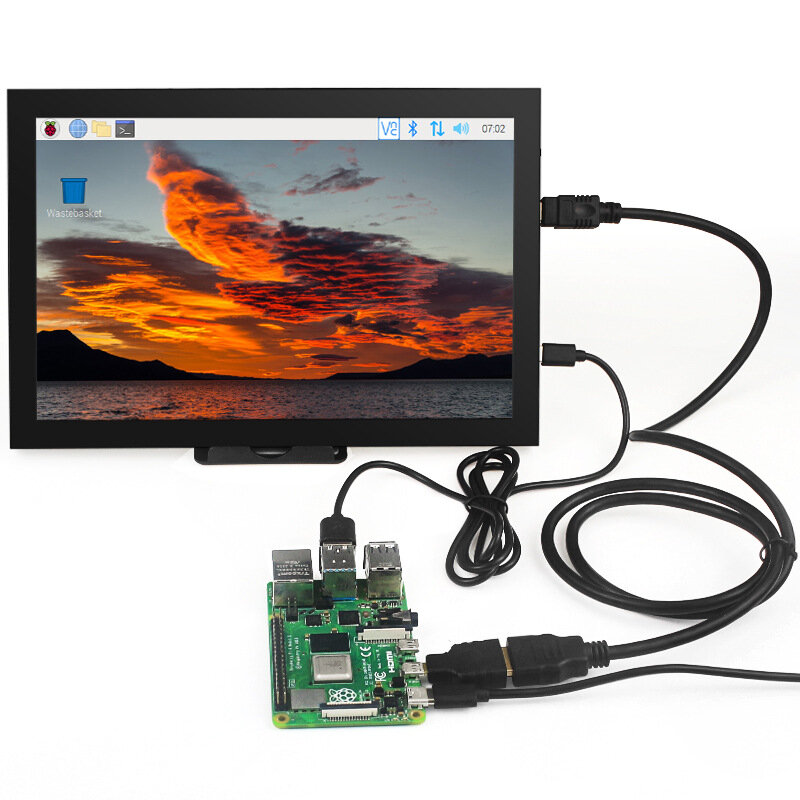
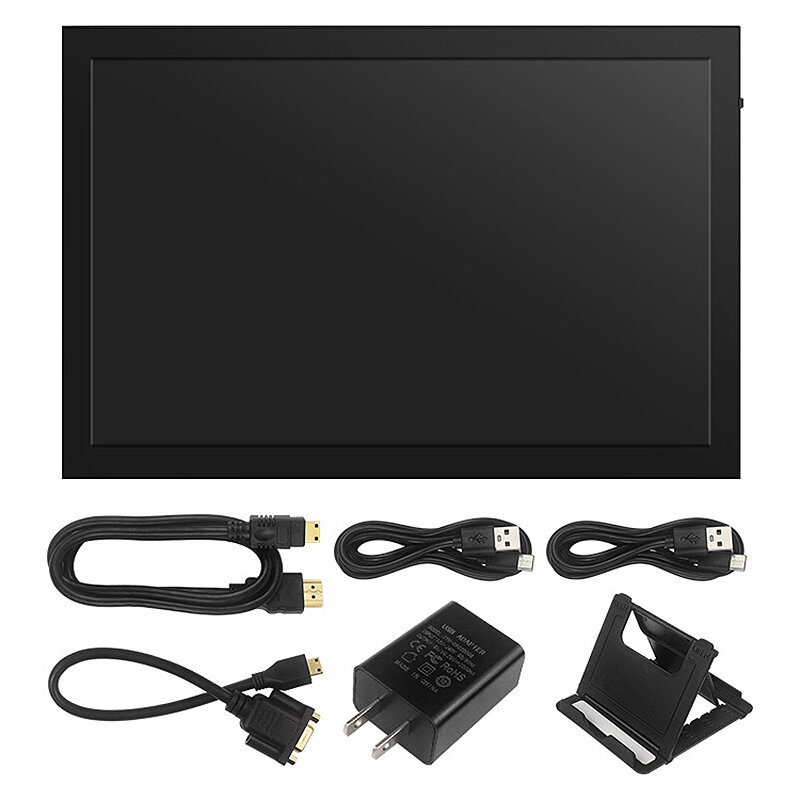
Package Include:
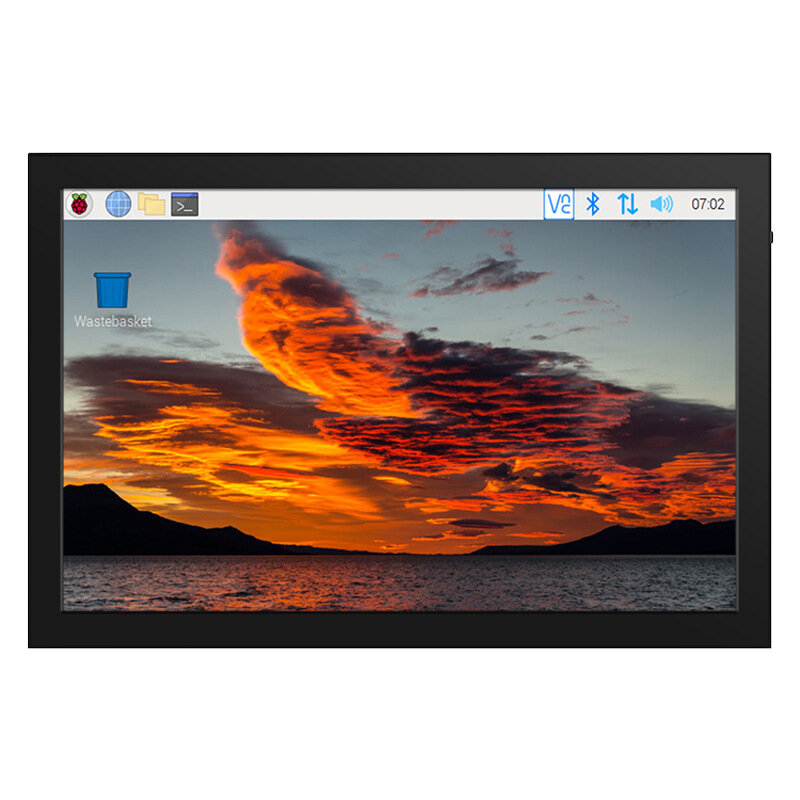
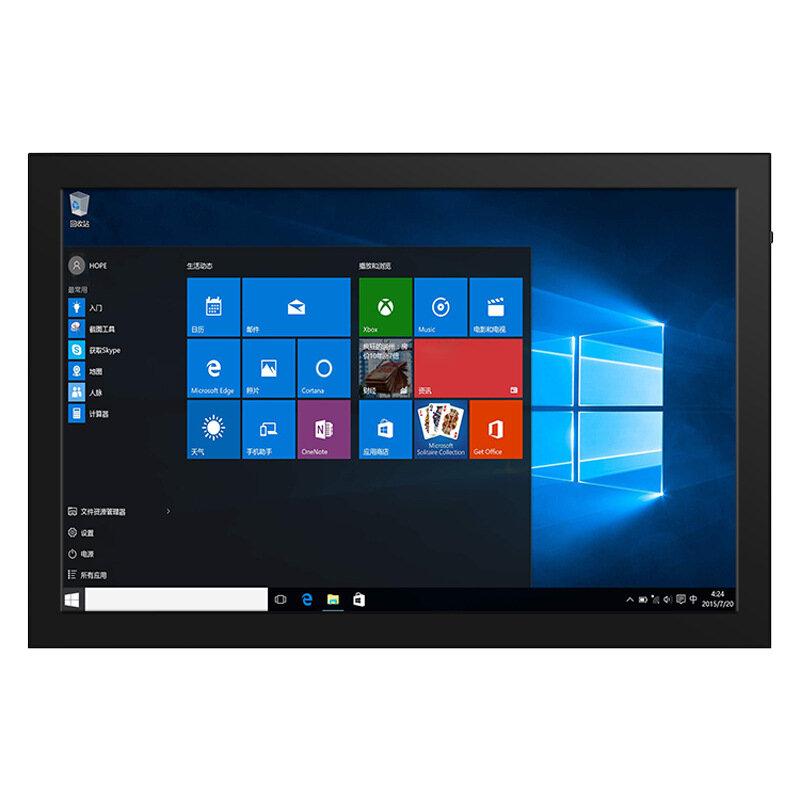
1 x Touch Screen
4 x Cables
1 x Adapter
1 x Bracket
(the Raspberry Pi is not includes)
| Buttons and Interfaces | Illustrate |
| HDMI | Input HDMI signal, use Mini HDMI cable to connect, used to connect to computer, maximum support resolution 1920x1080 |
| VGA | Input VGA signal, use Mini HDMI male to VGA female adapter cable to connect |
| POWER | Connect to the power supply, use the Type-C cable to connect, only provide power supply function |
| TOUCH | Output touch signal, connect with Type-C cable, provide power supply and touch function at the same time |
| Headphone | 3.5mm audio output interface, connect audio equipment such as headphones or speakers |
| MENU | Dimming: When no setting interface is displayed, move the rotary switch up to trigger the brightness setting function. After triggering, move the switch up and down to adjust the brightness value. After the adjustment is completed, short press the switch to exit or wait for 10 seconds to exit automatically |
| Volume Adjustment: When no setting interface is displayed, move the rotary switch down to trigger the volume setting function. After triggering, move the switch up and down to adjust the volume value. After the adjustment is completed, short press the switch to exit or wait for 10 seconds to exit automatically | |
| Menu Settings: When no setting interface is displayed, short press the rotary switch to trigger the menu setting function, and enter the menu after triggering, and toggle the switch up and down to select. Short press is to confirm, long press is to return or exit | |
| Signal Switching: When no setting interface is displayed, press and hold the rotary switch to trigger the HDMI and VGA input signal switching function |
A part of the review has been auto-translated.
Good display for different devices too.



Works perfectly, thoroughly packed and comes with all necessary cables and adapters. Would be good to know how to upgrade firmware.

Tips:For questions about your order, place of delivery, product discount, taxation, delivery time, warranty, shipping, payment, exchange rate, and other questions unrelated to the product, please contact customer service.
A part of the QA has been auto-translated.
最新のブランドニュースと初回注文15%オフを入手する。



Hi ?
How can we help?