

 Direct purchase from the factory

![[US Direct] Bomaker Polaris 6500 Lumens 4K Resolution Image HDR10+ MEMC WiFi Built-in HiFi Speaker Portable Smart Home Theater Ultra Short Throw Triple Laser Projector US Plug](https://static.roymall.com/d/file/mall/titlepic/237/uv2payqgyhd.jpg?x-oss-process=image/resize,w_237/quality,Q_80/format,webp)


1.You can contact the customer service. for any question regarding the product.
2.Ask the question in English to get answer faster.
3.Keep your question short and to the point.
Questions:0/2000


 Multi Rotor PartsFPV SystemRadios & ReceiverBattery & ChargerTools & Bags & StorageConnector & Cable & WireRC ServosElectronic Learning ToysPlane & Parachute ToysSolar Powered ToysPottery Clay & ToolsPaper Art & DrawingBlocks & Track ToysModel BuildingDiecasts & Model ToysProtective GearsMotorcycle LightsCharger & Socket AdapterMotorcycle Engines & ComponentMotorcycle HelmetMotorcycle DIY KitsMotorcycle AccessoriesMotorcycle Alarm & SecurityCar Stickers & DecalsCar CoversWindow FoilsCar Protective FilmCar Protective Film Body ArmorLicense Plate AccessoriesDIY Electronic KitsElectronic Accessories & SuppliesModule ComponentsBoard & ShieldExpansion Board & ShieldSmart ModuleSensor & Detector ModulePower Supply ModuleRaspberry Pi & Orange PiSecurity Alarm SystemSmart Remote ControlWeather Station & ThermometerAccess Control & IntercomsHome Automatic KitsAutomation ModulesClocksHome Decor StickerDecorative PaintingDecorative CraftsStorage BagsStorage BoxesItems Storage & OrganizationSeedsWatering & IrrigationGarden LightsPest Control ProductsBathroom ApplianceShowerhead & AccessoriesBathroom Storage & OrganisationBathroom SafetyDoor Hardware & LocksIndustrial HardwareDecorative HardwarePackaging & ShippingStorage & OrganizationFurniture HardwareKitchen Tools & GadgetsDrinkware & Tea SetsBakeware & AccessoriesHome Brewing & Wine MakingKitchen Knife & CutleryBarbecue & Picnic SuppliesDinnerware & FlatwareXiaomi Kitchen Appliance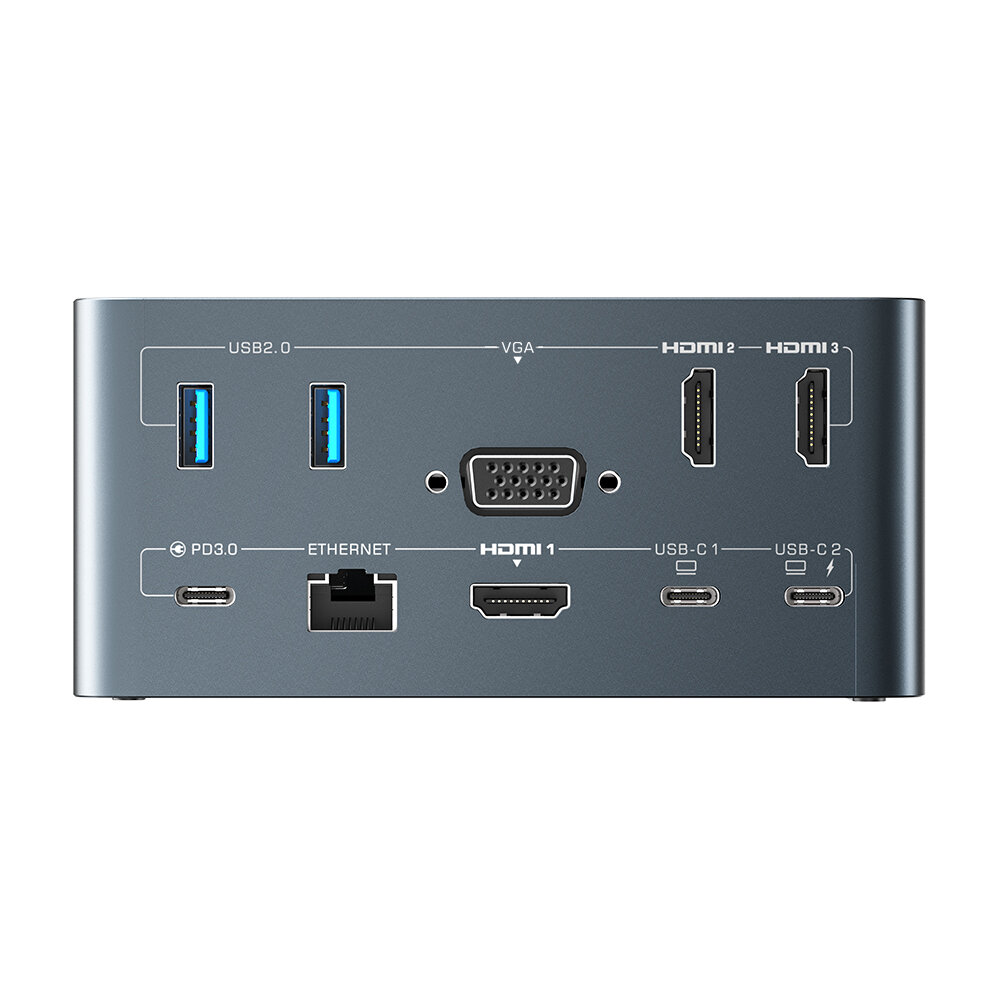
安全なチェックアウト

 無料ギフト
無料ギフト
 配送ポリシー
 返品ポリシー
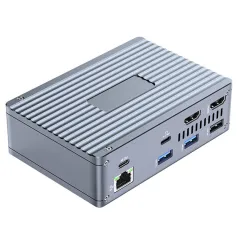
Specifications:
Model | BW-TH13 |
Size | 123*60*58mm |
Rated Input | DC 5V |
Working Temperature | +70℃/-20℃ |
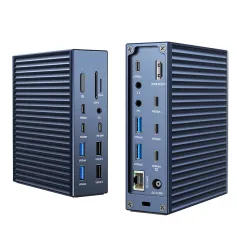
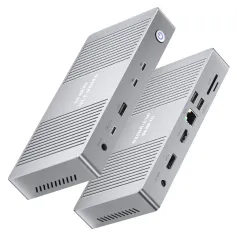
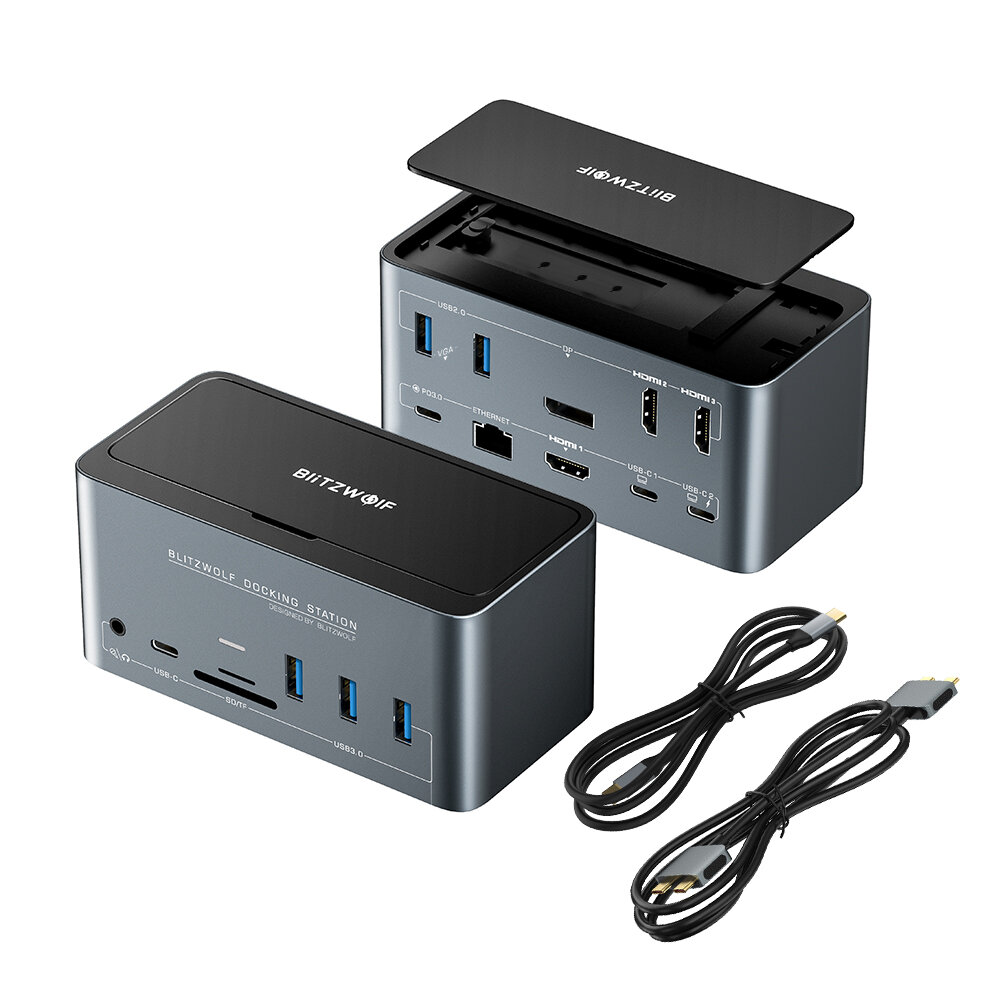
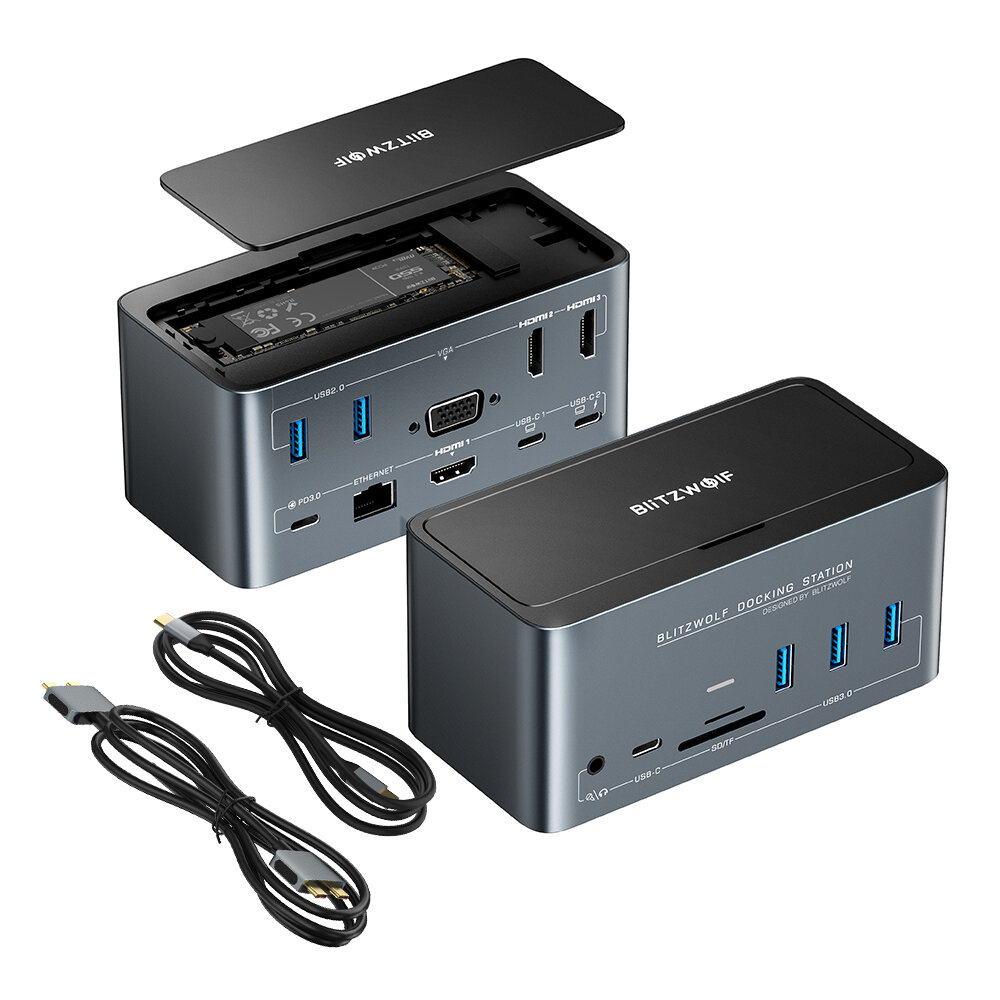
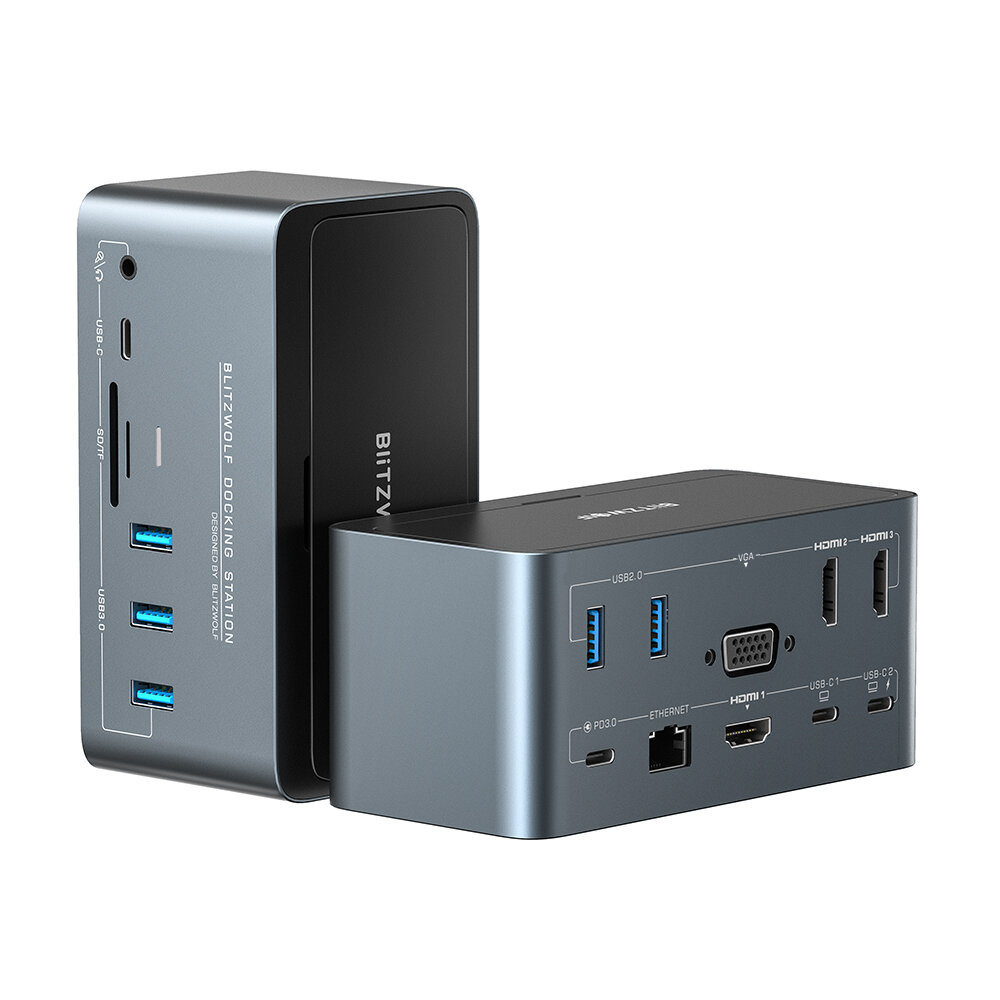
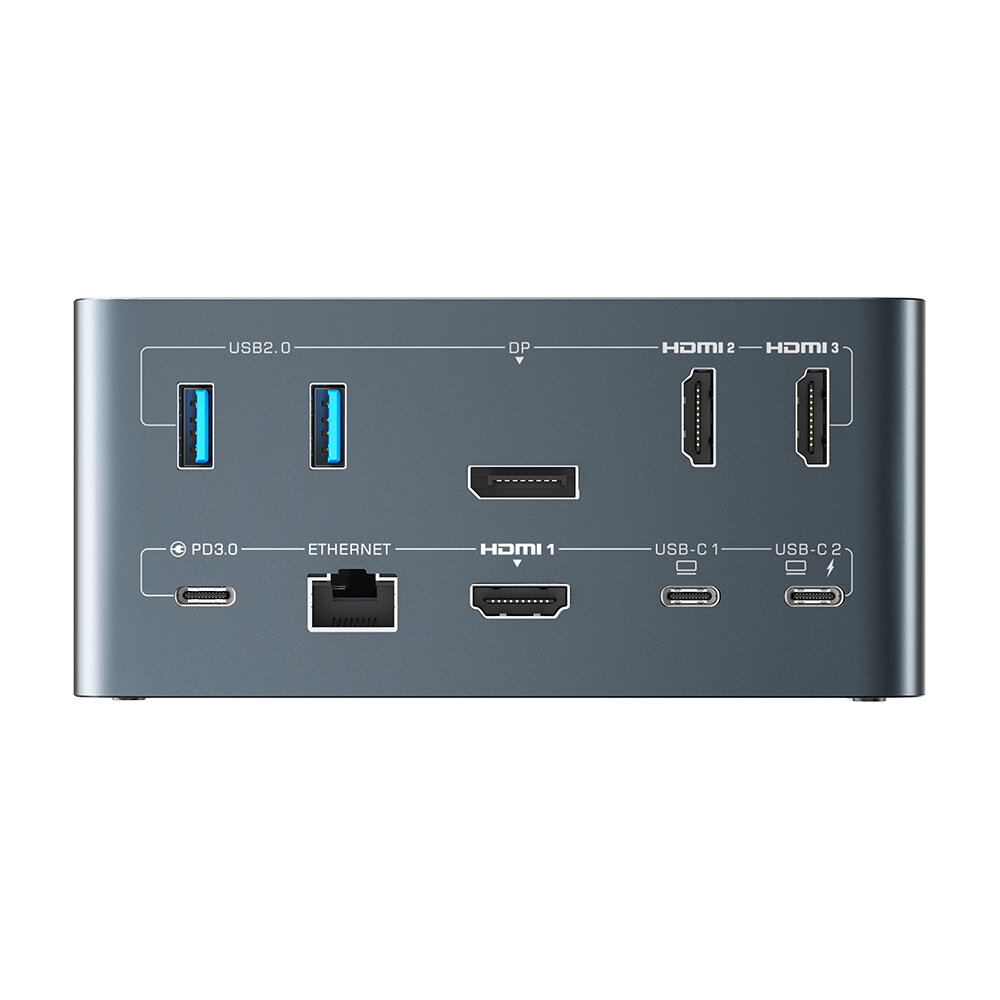
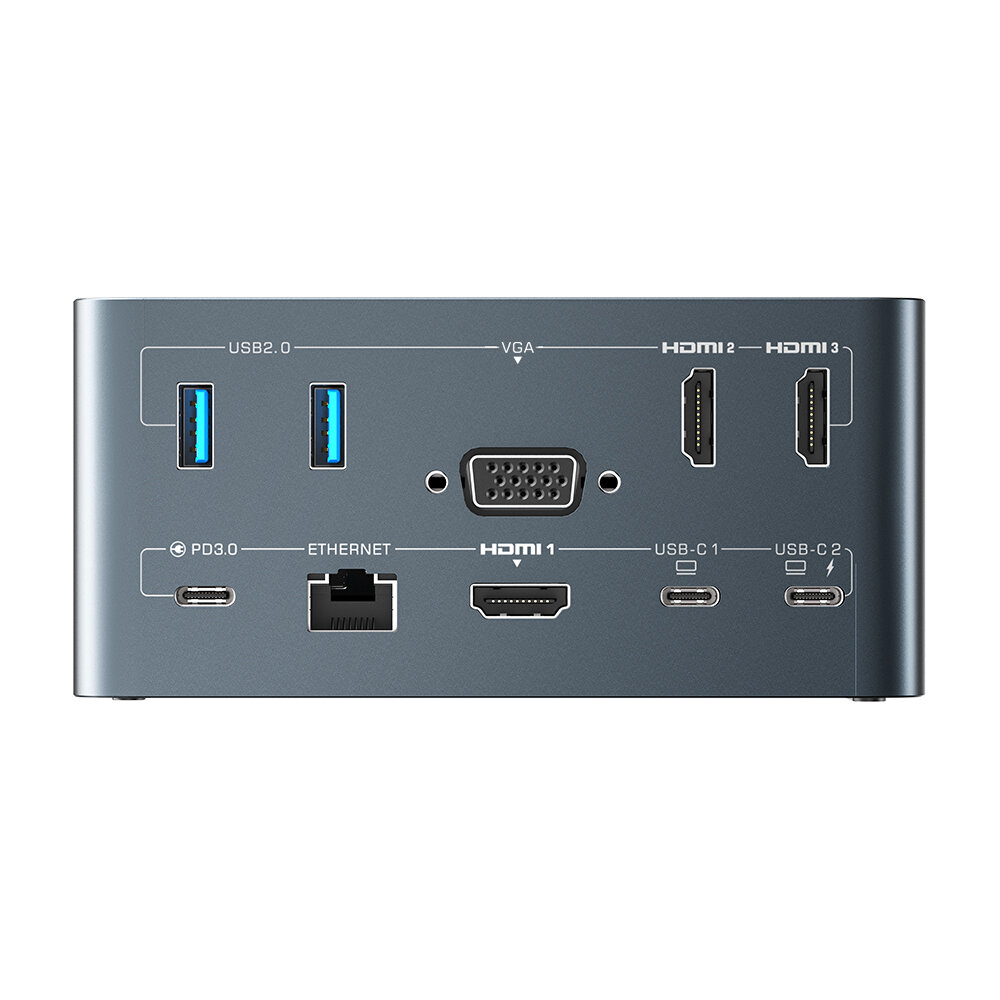
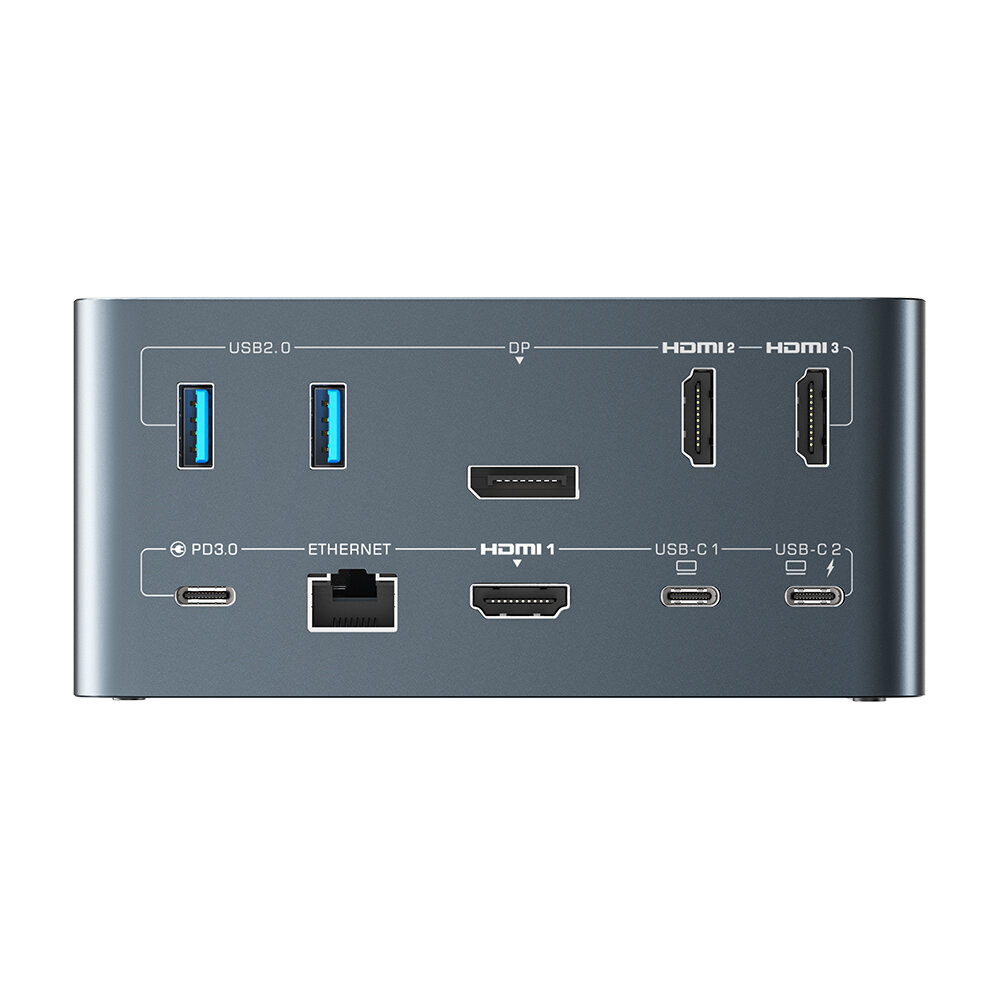
DiP Version Interfaces | M.2 SATA3.0 NGFF SSD Enclosure*1 USB2.0*2 USB3.0*3 DiP*1, HD*3 RJ45*1 USB-C PD3.0*1 USB-C Data Transfer*1 3.5mm Audio port*1 USB-C 1(Host 1)*1 USB-C 2(Host 2)*1 TF Card Reader*1 SD Card Reader*1 |
| M.2 SATA 3.0 NGFF SSD Enclosure | 5Gbps Transfer Speed(up to 2TB) |
USB 3.0 Data Transfer Speed | 5Gbps |
USB 2.0 Data Transfer Speed | 480Mbps |
Type-C Data Transfer Speed | 5Gbps |
RJ45 Network Transmission | 1000Mbps |
USB-C PD3.0 Power Delivery | 100W |
| SD/TF Card Reader | Simultaneous Reading Up to 104MB/s |
HD 1 Interface Resolution | 4K@60Hz |
HDM1 2 Interface Resolution | 4K@30Hz |
| HDM1 3 Interface Resolution | 4K@30Hz |
DiP Interface Resolution | 4K@30Hz |
Compatible System | MAC OS, Windows |
Features:
1. This product have two version: DiP version and VGA version.
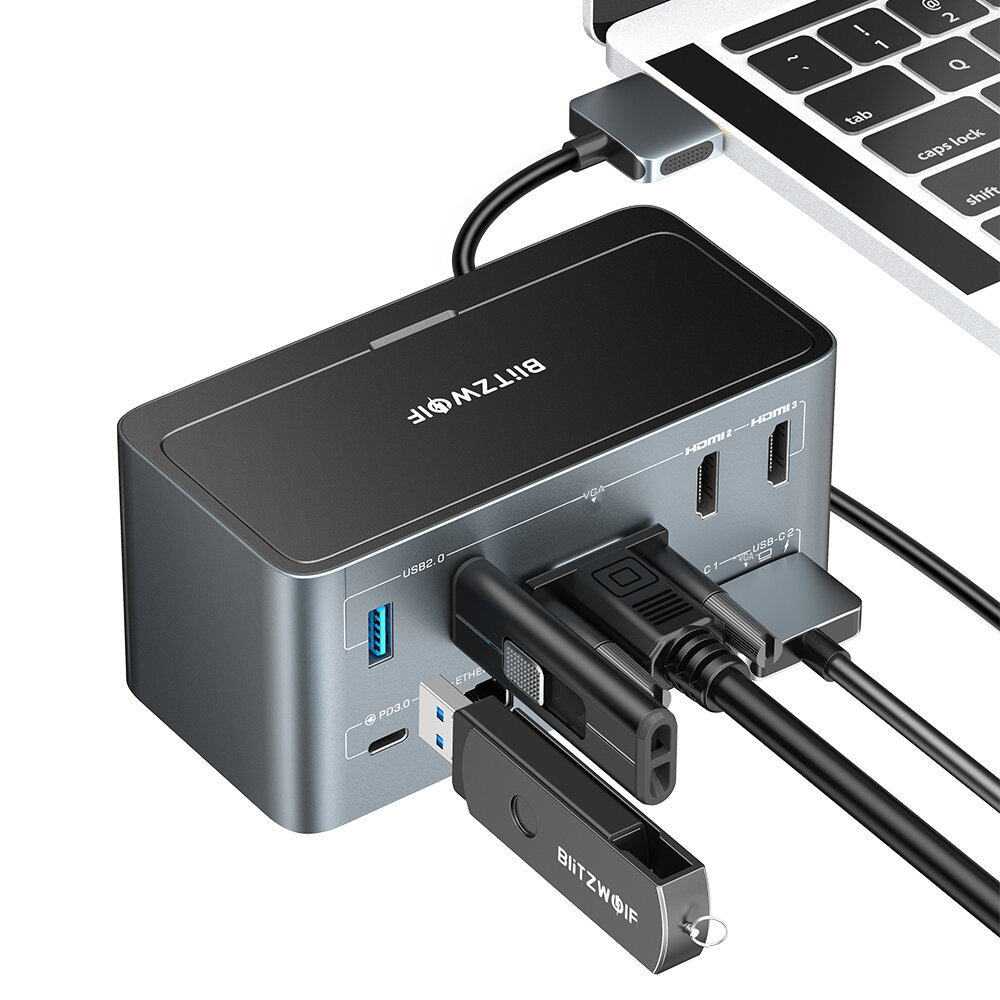
2. Dual USB-C cable is a special design for MacBook pro/Air.
And HOST 1 only drives HD 1, HOST 2 can drive ports other than HD 1.
3. 4K/1080P@60Hz Quadruple Display, Provides extraordinary pixel density for viewing and multitasking.
Only DiP1.4 or RTX2060 Graphics Card and above can support triple display at the same.
The display of DiP version is consistent with that of VGA version.
Once the VGA port is connected, the resolution of all monitors connected to the HOST2 port will be limited to 1080@60Hz (max).
4. Have 100W Power Delivery, and the PD charger separately need to buy by yourself. High-speed charging your laptop via PD3.0 port.
5. Up to 10/100/1000Mbps RJ45 Ethernet Interface. Easily streaming movies, downloading large files, or playing games.
Package Included:
1 x BW-TH13 Docking Station
1 x Dual USB-C to Dual USB-C Cable
1 x USB-C to USB-C Cable
1 x User Manual
1 x Warranty Card
A part of the review has been auto-translated.

I buy this DockingStation for use with my Macbook Air M1 and everything work very well, LAN - test and work without problem on 1Gb/s, SSD - I get 400/400 MB, SDCard with very good speed, USB3 at full speed, Sound Output but unfortunately extending on two external monitor not work with Apple MacbookAir M1 because M1 allow connection with only one display, but you can get two output like one from internal Macbook display and another one from DockingStation outputs, HDMI 1 if you use Host 1 or HDMI 2,3 and DP/VGA if you use Host 2 (this 3 will work like Mirroring). I also test this with Windows 10 and extend display to 3 different monitor without any problem using single port cable.
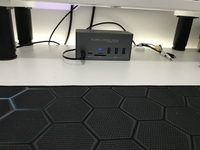
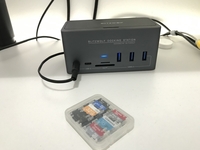
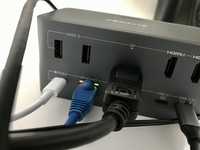
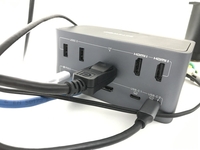
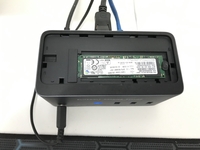
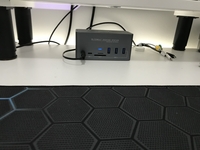
Tudo que é de boa qualidade tem seu preço, e, no caso dessa DockStation, vale cada centavo! O corpo é feito de plastico (conforme dizem) de alta qualidade, chegando ao ponto de nos deixar em dúvida por parecer muito com metal. Além de eliminar a bagunça de fios na mesa, se tona muito prático plugar ele no laptop e todos periféricos já ficarem disponíveis. Ao precisar retirar o laptop, basta retirar apenas um cabo e seu computador estará liberado. Todos meus hardwares ficaram disponíveis sem a necessidade de usar a fonte de 100w, ela não é essencial. Também funcionou lindamente com meu laptop Dell Latitude 7390 e no Samsung S10+. Não tenho equipamentos para testar as taxas de transmissões, mas, não tenho nada o que reclamar sobre uso na prática. Escolhi a versão errada (VGA), mas estou gostando tanto que irei vender somente após comprar o outro (DP) porque foi difícil aguardar 23 dias de ansiedade até ele chegar.


Tips:For questions about your order, place of delivery, product discount, taxation, delivery time, warranty, shipping, payment, exchange rate, and other questions unrelated to the product, please contact customer service.
A part of the QA has been auto-translated.
最新のブランドニュースと初回注文15%オフを入手する。



Hi ?
How can we help?